
Oracle Integration Cloud (OIC)
A 17-module OIC syllabus covering REST/SOAP, ATP, agents, FTP, JavaScript/AI APIs, lookups, events, Fusion security/reporting and FBDI automation.
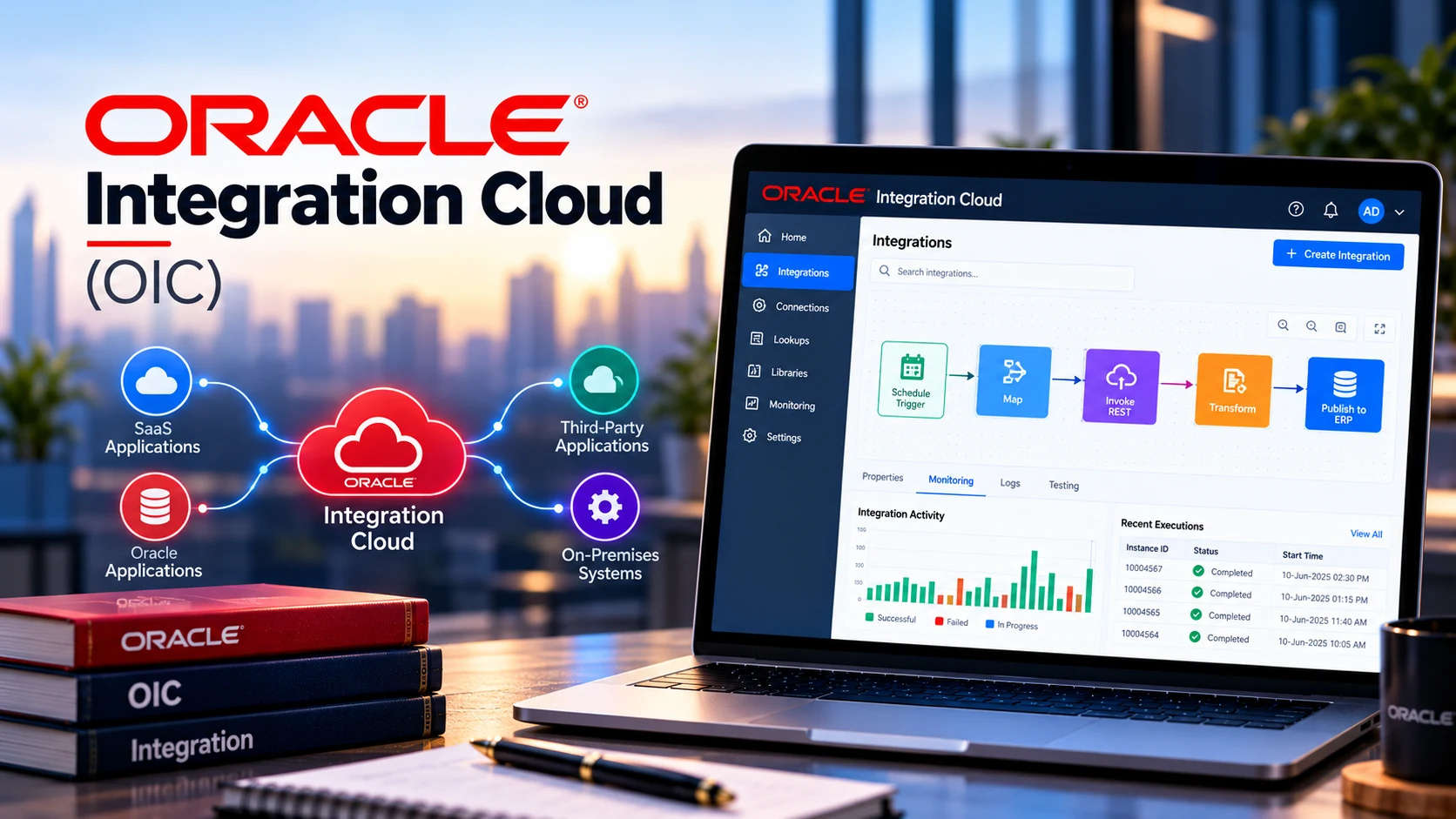
What This Course Covers
A 17-module OIC syllabus covering REST/SOAP, ATP, agents, FTP, JavaScript/AI APIs, lookups, events, Fusion security/reporting and FBDI automation.
Who Should Attend
Contact Tech Arryaan for audience guidance based on your current experience and the role or technology path you want to pursue.
Prerequisites
Contact our team for prerequisite guidance based on your current experience. Our team can help you choose a suitable starting point.
Approved Source Material
This course page is structured from the supplied Oracle Integration Cloud Course Content – Nageshwar.pdf.
Approved Course Syllabus
Expand each section below to review the approved modules, weeks, projects and learning areas supplied by Tech Arryaan.
- 1. Introduction to REST Services
- 2. REST Architecture and HTTP Methods
- 3. GET, POST, PUT, PATCH and DELETE
- 4. Path Parameters
- 5. Query Parameters
- 6. Headers and Request Body
- 7. HTTP Status Codes
- 8. JSON Request and Response
- 9. Testing REST APIs using Postman
- 10. Testing REST APIs using REST Client
- 11. Authentication Basics
- 12. Basic Authentication
- 13. API Key Authentication
- 14. Bearer Token / OAuth Overview
- 15. Practical REST API Testing Exercises
- 1. What is Oracle Integration Cloud?
- 2. OIC Architecture
- 3. OIC Components
- 4. Integrations
- 5. Connections
- 6. Adapters
- 7. Lookups
- 8. Libraries
- 9. Packages
- 10. Agents
- 11. Integration Patterns
- 12. Scheduled Integrations
- 13. Application-Driven Integrations
- 14. Monitoring and Tracking
- 15. OIC Console Navigation
- 1. Creating an OIC Integration
- 2. Understanding Integration Patterns
- 3. Creating REST Trigger
- 4. Creating REST Invoke
- 5. Configuring REST Connection
- 6. Request and Response Configuration
- 7. Data Mapping
- 8. Assign Actions
- 9. Tracking Fields
- 10. Activate and Test Integration
- 11. Monitoring Integration Instances
- 12. Error Handling Basics
- 1. Path Parameters
- 2. Query Parameters
- 3. Header Parameters
- 4. Request Body
- 5. Response Body
- 6. Mapping REST Parameters
- 7. Path Parameter Example
- 8. Query Parameter Example
- 9. POST Request Body Example
- 10. PATCH Request Example
- 11. Combining Path + Query + Body
- 12. Testing REST APIs from Postman
- 1. Introduction to SOAP Web Services
- 2. SOAP vs REST
- 3. WSDL Concepts
- 4. SOAP Request and Response
- 5. Creating SOAP Connections
- 6. SOAP Trigger in OIC
- 7. SOAP Invoke in OIC
- 8. Mapping SOAP Messages
- 9. Handling SOAP Faults
- 10. Practical SOAP Integration
- 11. Testing SOAP Integration using Postman/REST Client
- 1. Introduction to Oracle ATP
- 2. ATP Architecture
- 3. Creating ATP Connection in OIC
- 4. Database Adapter
- 5. SQL Operations
- 6. SELECT Operation
- 7. INSERT Operation
- 8. UPDATE Operation
- 9. DELETE Operation
- 10. Stored Procedure Invocation
- 11. Parameter Mapping
- 12. Handling Database Responses
- 13. REST → OIC → ATP Example
- 14. ATP → OIC → REST Example
- 1. Multiple Database Invokes
- 2. Sequential Invokes
- 3. Parallel Invokes
- 4. Insert and Update Scenario
- 5. Multiple Table Operations
- 6. Transaction Considerations
- 7. Commit/Rollback Concepts
- 8. Error Handling
- 9. Database Exception Handling
- 10. Practical Employee/Department Integration
- 1. Introduction to OIC Connectivity Agent
- 2. Why On-Premises Agent is Required
- 3. OIC Agent Architecture
- 4. Agent Groups
- 5. Agent Installation Overview
- 6. Agent Configuration
- 7. Agent Connectivity
- 8. Agent Monitoring
- 9. Configuring On-Premises Database Connection
- 10. OIC → On-Premises Database
- 11. Practical Database Integration
- 12. Troubleshooting Agent Connectivity
- 1. On-Premises FTP Connectivity
- 2. On-Premises Database Integration
- 3. Multiple Agent Connections
- 4. Agent Group Configuration
- 5. OIC → Agent → Database
- 6. OIC → Agent → File System
- 7. File Processing through Agent
- 8. Error Handling
- 9. Agent Monitoring
- 10. Real-Time Integration Scenario
- 11. Troubleshooting Common Agent Issues
- 12. End-to-End On-Premises Integration Lab
- 1. Introduction to FTP Adapter
- 2. FTP/SFTP Concepts
- 3. Configuring FTP Connection
- 4. Reading Files from FTP
- 5. List Files
- 6. Read File
- 7. Write File
- 8. Move File
- 9. Delete File
- 10. Archive Processing
- 11. Duplicate File Prevention
- 12. Stage File Action
- 13. File Validation
- 14. File-to-Database Integration
- 15. Sending Email Notifications
- 16. Success Notification
- 17. Failure Notification
- 18. FTP → OIC → Notification End-to-End Example
- 1. Introduction to JavaScript in OIC
- 2. JavaScript Actions
- 3. Passing Input Parameters
- 4. Returning JavaScript Output
- 5. String Manipulation
- 6. JSON Processing
- 7. Data Transformation using JavaScript
- 8. JavaScript Practical Examples
- 9. Introduction to Generative AI APIs
- 10. OpenAI API Overview
- 11. Anthropic API Overview
- 12. API Key Authentication
- 13. Secure API Key Management
- 14. OIC → OpenAI API
- 15. OIC → Anthropic API
- 16. Processing AI Response
- 17. Practical AI Integration Example
- 1. Introduction to Lookups
- 2. Why Lookups are Used
- 3. Creating a Lookup
- 4. Lookup Codes
- 5. Lookup Values
- 6. Static Lookup
- 7. Dynamic Mapping Concepts
- 8. Using Lookups in Integrations
- 9. Lookup Functions
- 10. Environment-Specific Values
- 11. Practical Country/Department Mapping Example
- 1. Introduction to OIC Events
- 2. Event-Driven Architecture
- 3. Publish-Subscribe Pattern
- 4. Business Events
- 5. Creating an Event
- 6. Publishing an Event
- 7. Subscribing to an Event
- 8. Event Payload
- 9. Event-Based Integration
- 10. Multiple Subscribers
- 11. Event Monitoring
- 12. Error Handling
- 13. End-to-End Publish/Subscribe Example
- 1. Fusion Basic Security
- 1. Introduction to Oracle Fusion Security
- 2. Users, Roles and Privileges
- 3. Job Roles and Duty Roles
- 4. Data Roles overview
- 5. Creating a User
- 6. Assigning Roles to Users
- 7. Providing Required Access
- 8. Security Console Basics
- 9. Testing User Access
- 10. Common Access and Role Issues
- 2. BI Publisher (BIP) Reports
- 1. Introduction to BI Publisher
- 2. BIP Architecture and Navigation
- 3. Data Models
- 4. Creating a Simple SQL Data Set
- 5. Parameters
- 6. Creating a Basic BIP Report
- 7. Report Layout Basics
- 8. Running and Testing Reports
- 9. Exporting Report Output
- 10. BIP Reports in OIC Integration scenarios
- 3. OTBI Basics
- 1. Introduction to OTBI
- 2. BIP vs OTBI
- 3. Subject Areas
- 4. Creating a Basic OTBI Analysis
- 5. Selecting Columns and Filters
- 6. Prompts and Views overview
- 7. Running and Exporting Analysis
- 8. OTBI Security Basics
- 1. Introduction to FBDI
- 2. What is File-Based Data Import?
- 3. FBDI Architecture
- 4. FBDI Template
- 5. FBDI Spreadsheet
- 6. CSV Files
- 7. ZIP Files
- 8. Interface Tables
- 9. Import Process
- 10. ESS Jobs
- 11. UCM Overview
- 12. FBDI vs HDL
- 13. FBDI vs REST API
- 14. FBDI Automation Architecture
- 15. End-to-End FBDI Process
- 1. FBDI Business Scenario
- 2. Downloading FBDI Template
- 3. Preparing Source Data
- 4. Creating FBDI CSV
- 5. Validating Data
- 6. Creating ZIP File
- 7. Uploading FBDI File to UCM
- 8. OIC FTP/File Processing
- 9. Stage File Action
- 10. File Validation
- 11. Calling Fusion UCM API
- 12. Error Handling
- 13. Monitoring FBDI Process
- 14. Practical FBDI Integration
- 1. Complete FBDI Automation
- 2. OIC → FTP → FBDI Processing
- 3. Upload File to UCM
- 4. Submit Import Job
- 5. Monitor ESS Job
- 6. Process Job Status
- 7. Handle Successful Import
- 8. Handle Import Errors
- 9. Retrieve Error File
- 10. Send Email Notification
- 11. Logging and Tracking
- 12. Retry Mechanism
- 13. Duplicate File Prevention
- 14. End-to-End FBDI Automation Project
Fusion FBDI Automation using OIC: Source CSV / FTP → OIC → File Validation → Stage File → Create FBDI ZIP → Fusion UCM → Submit ESS Job → Monitor Job → Success / Error Processing → Email Notification.
Training Information
Training Mode
Confirmed based on the current offering.
Duration
Suggested 18-Day Classroom Plan
Batch Timing / Next Batch / Trainer
Contact our team for current details.
Practical Learning
Projects, assignments, practical scenarios and capstone items are shown inside the approved syllabus wherever the source document includes them.
Course Enquiry
Tell us the technology, your current experience, preferred training mode and schedule.