
Oracle Integration Cloud with AI
OIC integration foundations plus OCI AI services including Document Understanding, Vision, Speech, Language, Generative AI and Generative AI Agents.
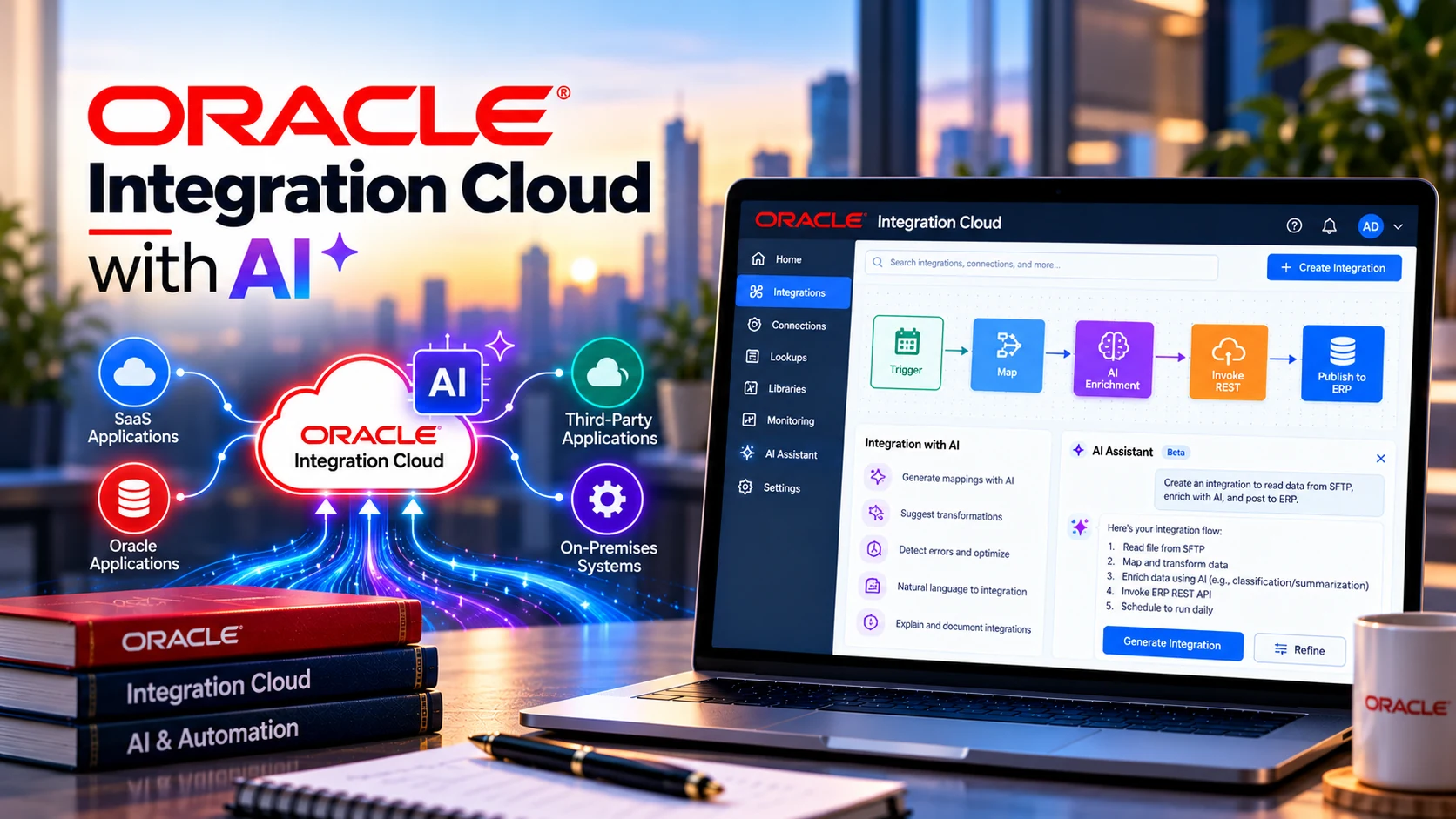
What This Course Covers
OIC integration foundations plus OCI AI services including Document Understanding, Vision, Speech, Language, Generative AI and Generative AI Agents.
Who Should Attend
Contact Tech Arryaan for audience guidance based on your current experience and the role or technology path you want to pursue.
Prerequisites
Contact our team for prerequisite guidance based on your current experience. Our team can help you choose a suitable starting point.
Approved Source Material
This course page is structured from the supplied Tech Arryaan OIC with AI Course Content.pdf.
Approved Course Syllabus
Expand each section below to review the approved modules, weeks, projects and learning areas supplied by Tech Arryaan.
- SOA to a Layman
- Overview of Integration
- Advantages of Using SOA in Integration
- Importance of SOA and Integration
- Building Blocks of Integration
- XML (Extensible Markup Language)
- XSD (XML Schema Definition)
- WSDL (Web Services Description Language)
- JSON
- XPATH & XSLT
- Synchronous vs Asynchronous vs One-Way Integration
- Integration Principles
- Introduction to Core Components of OIC
- Integration Patterns in OIC
- OIC Architecture
- Integration Workflow
- Integration Scenarios
- Integrations in OIC Overview
- OIC Integration Patterns
- App-Driven Orchestration
- Scheduled Integrations
- Webservice – SOAP and REST
- Data Base – ATP
- File – FTP
- Cloud Adapters – ERP and HCM Cloud
- REST Web Services
- SOAP Web Services
- Comparison Between REST and SOAP
- Understanding Adapter Roles
- Inbound vs Outbound Adapters
- What is a Connection?
- What is an Adapter?
- What is Integration?
- Packages in OIC
- Lookups and Their Importance
- Visual Mappers in OIC
- Enabling Tracking Parameters
- Deploying Your Integration
- Integration Tracing
- Scheduling Integrations in OIC
- Calling External REST API in OIC Using the REST Adapter.
- Creating an Integration in OIC to Expose SOAP Service
- File Management in OIC.
- Creating, Deleting, Moving, Copying, Reading, Listing Files
- Downloading, Zipping, and Unzipping Files
- REST Adapter Use Cases
- PUT
- PATCH
- GET
- POST
- DELETE
- SOAP Adapter Use Cases
- FTP Adapter Use Cases
- Operations with Oracle ATP Adapter
- Oracle ERP Adapter
- Oracle HCM Adapter
- Performing Database Operations
- Insert
- Update
- Delete
- Select
- UPSERT
- Stored Procedure
- Pure SQL Query
- Using REST API to Manage Files in FTP Server
- Using SOAP API to Manage Files in FTP Server
- a. Monitoring Live Integrations in OIC
- b. Tracking Integration Instances with Filters
- c. Managing and Monitoring Integrations
- d. Retrieving Runtime Data and Metrics
- e. Tracking Integrations Using Primary and Secondary Business Identifiers
- f. Notification and Global Fault Handler in OIC
- g. Exceptional Handling in OIC
- a. Integration Promotion from One Instance to Another
- b. Creating Different Versions of Integrations
- c. Cloning an Integration
- d. Cloning a Connection
- e. Versioning vs Cloning in OIC
- f. Exporting and Importing OIC Integrations Packages & Lookups
- a. Introduction to BI Publisher
- b. Types of Reports in BI Publisher
- c. Integrating BI Publisher with OIC
- a. Introduction to the suite of services: purpose, use cases, and benefits.
- b. Introduction to Document Understanding Service
- c. Introduction to OCI Vision Service
- d. Introduction to OCI Speech Service
- e. Introduction to OCI Language Service
- f. Introduction to OCI Gen AI Service
- g. Introduction to OCI Gen AI Agents Service
- a. Features and functionality deep dive
- b. Key Value Extraction using OCI DUS
- c. Text Extraction using OCI DUS
- d. Table Extraction using OCI DUS
- e. Document Classification using OCI DUS
- f. Using DUS service for standard OOB documents e.g. Invoices to extract
- Invoice details.
- g. Demo: Automating document processing and data extraction – Invoice –
- using OIC.
- a. Features and functionality deep dive.
- b. Object detection in an image using OCI Vision.
- c. Image classification using OCI Vision.
- d. Text extraction using OCI Vision.
- a. Features and functionality deep dive
- b. Introduction to OCI Speech ASR model
- c. Introduction to OCI Speech Whisper model (Open AI)
- d. Speech-to-text transcription job
- e. SRT file generation
- a. Features and functionality deep dive
- b. Sentiment analysis
- c. Entity recognition
- d. Text translation
- e. Document Translation
- a. Overview of generative models currently being used in OCI Gen AI.
- b. Gen AI API introduction and overview as to how to use the chat and embed
- API’s.
- c. Integration with Cohere models using OCI Gen AI
- d. Integration with Meta’s Llama models using OCI Gen AI
- e. Integration with Meta’s Llama vision models using OCI Gen AI
- f. Integration with XAI’s grok models using OCI Gen AI
- g. Integration with Open AI models
- h. Integration with Cohere.
- a. Overview of OCI Generative Agents.
- b. Creation of Data Sources (OCI Object Storage)
- c. Setting up of Knowledge bases
- d. Creation ingestion jobs
- e. Creation of Agents
- f. Creation of Agent endpoints for web service invocation
- g. Integration with OIC
Training Information
Training Mode
Confirmed based on the current offering.
Duration
Contact our team for current details.
Batch Timing / Next Batch / Trainer
Contact our team for current details.
Practical Learning
Projects, assignments, practical scenarios and capstone items are shown inside the approved syllabus wherever the source document includes them.
Course Enquiry
Tell us the technology, your current experience, preferred training mode and schedule.